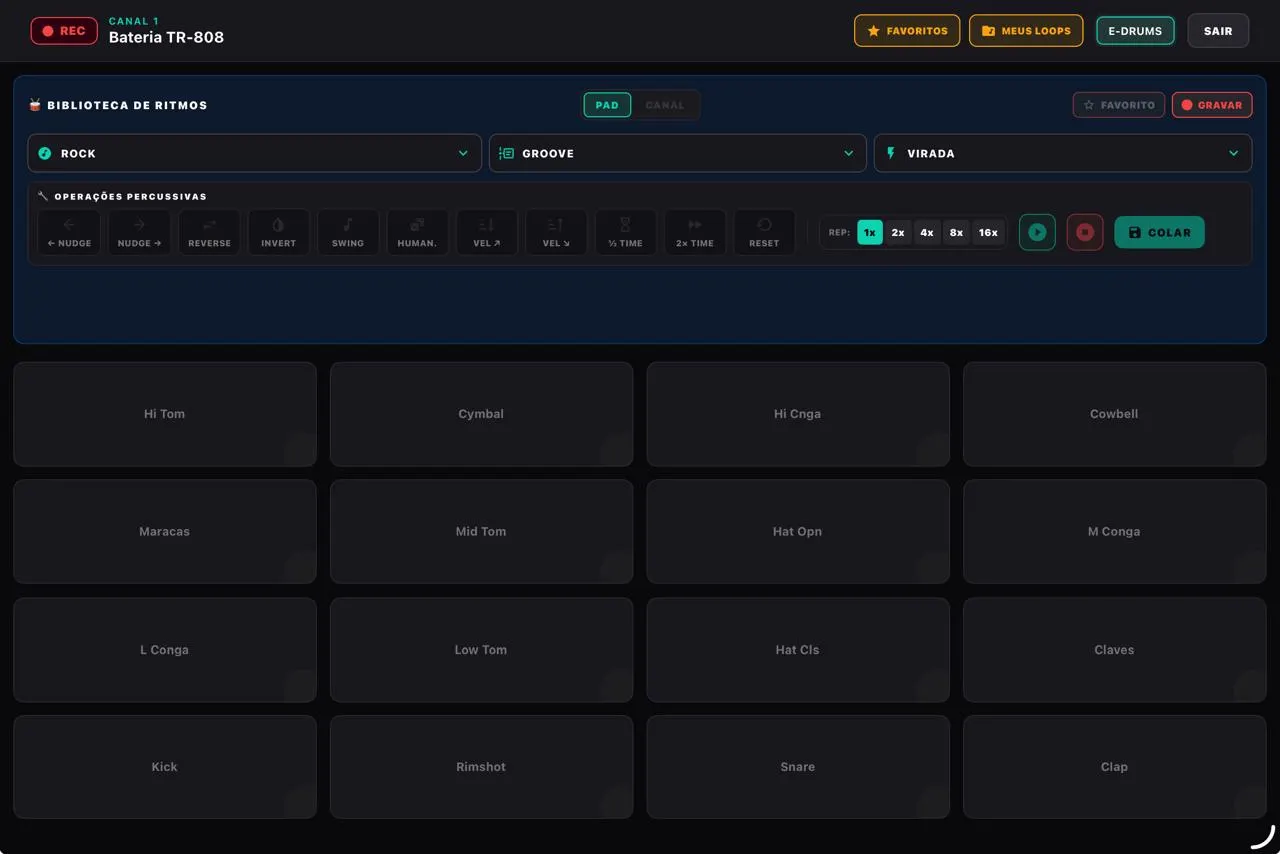
A taste of Live Pads, with loops the creator of SAS built in the app itself. Tap a pad to start a loop and another to switch: each one waits for the next bar to come in, so nothing falls off the beat. Then switch on the pedals.
On your keyboard: 1-R drums, A-V bass, guitar and piano, 6-0 solo.Use headphones or turn up the volume.
On beat
SAS Live Pads demo
Solo
From the stage to the finished song, in one app.
Every module works on the same project. Play in the Rack, write in Live Pads and finish in the DAW, without exporting anything from one app to another.
01
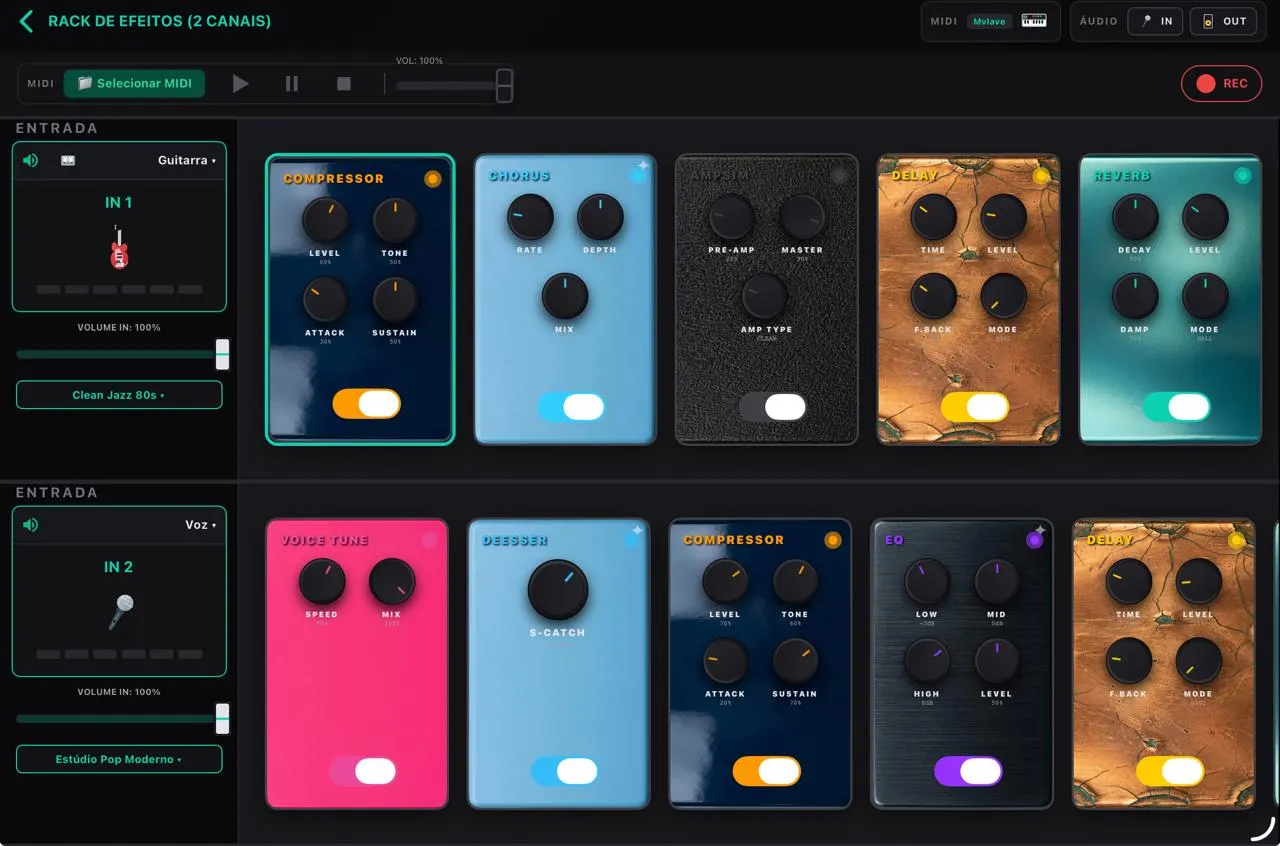
Play | Effects Rack
Build your pedalboard in any order
Plug in a guitar, acoustic, bass or mic through your device's input or a USB audio interface and play live with effects, at low latency.
18 pedals and 120 ready-made presets, sorted by instrument
Tuner, recording and MIDI backing tracks
One rack per channel: vocals and instrument each get their own effects
Each row is an instrument and each column is a section of the song. Pick a drum groove, let the generator write notes for the other instruments, and everything locks to the beat on its own.
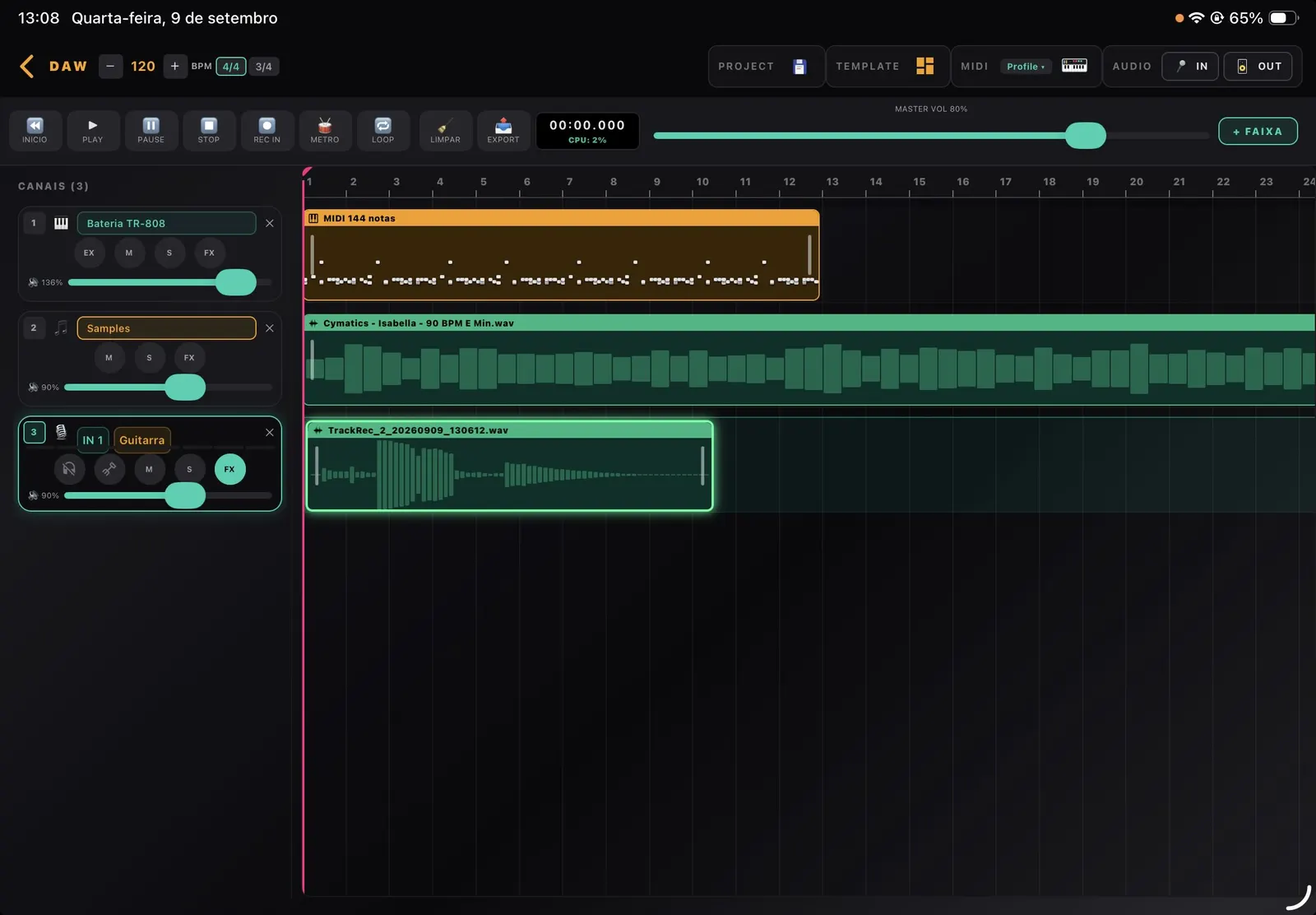
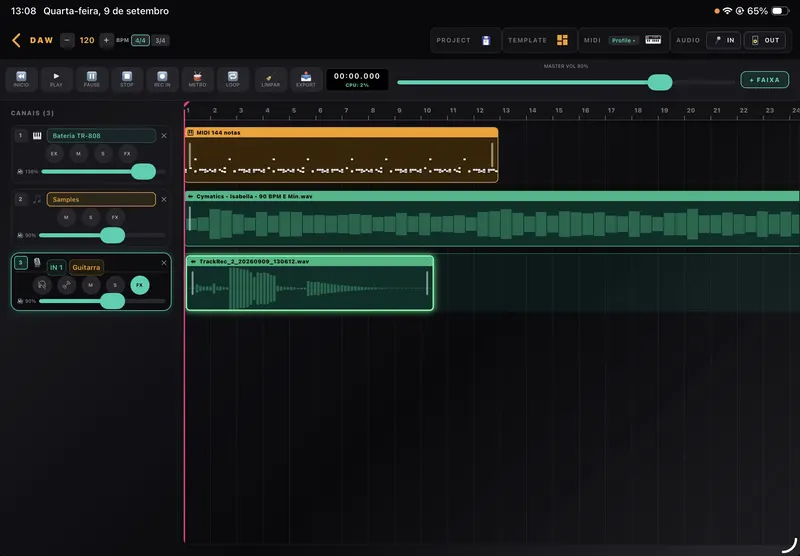
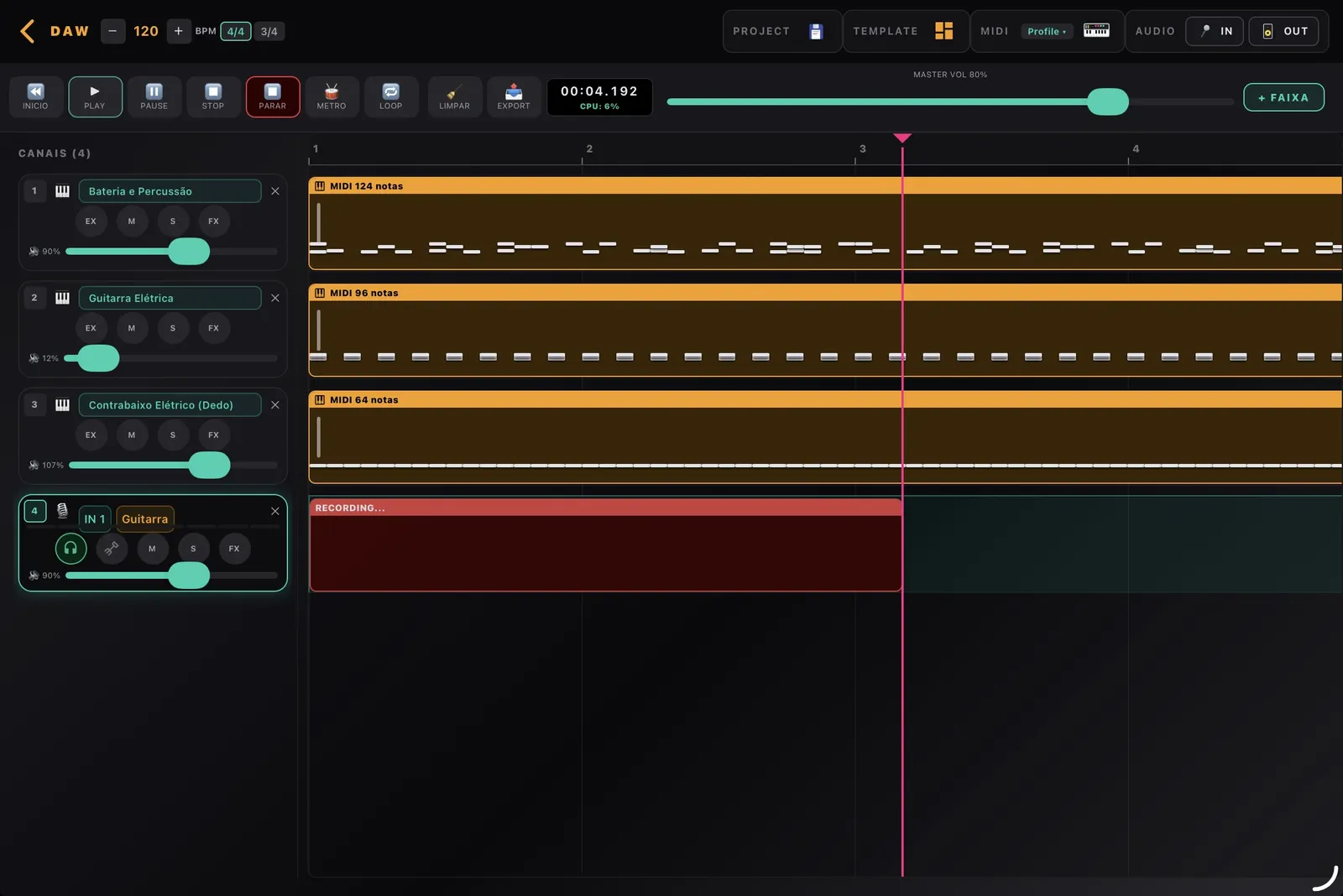
Instrument, sample and recording tracks, a piano roll, a loop generator, and effects per track or even per clip. From idea to a finished track you can send to anyone.
43 virtual instruments, from piano to bagpipes
Mixer with volume, pan, solo, mute and effects per track
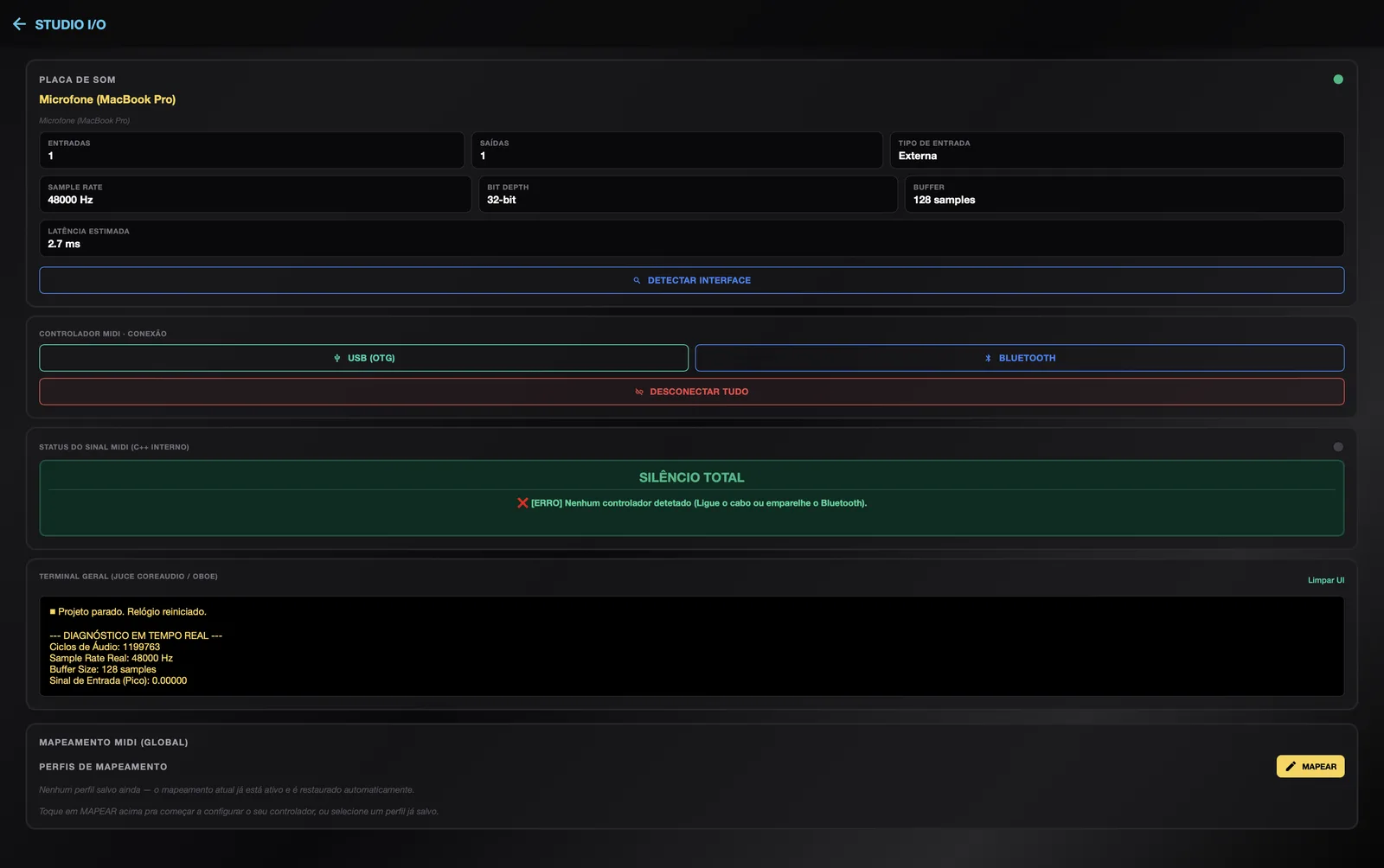
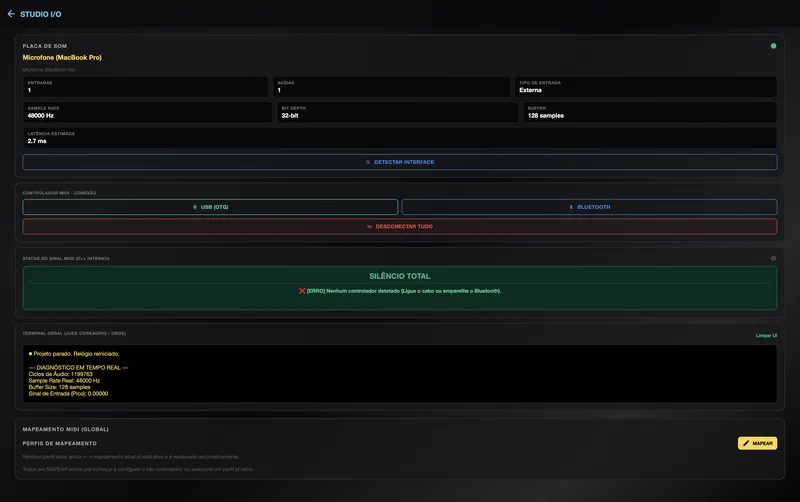
USB audio interface, keyboard and MIDI controller over cable or Bluetooth. Studio I/O detects everything, estimates the latency and lets you map buttons and knobs so you can play without touching the screen.
Automatic audio interface detection
MIDI mapping with profiles per controller or per show
43 virtual instruments18 effect pedals120 ready-made presets6,843 drum loopsUSB audio interfacesMIDI controllersMP3 and WAV exportProjects in your Google DriveWorks offline43 virtual instruments18 effect pedals120 ready-made presets6,843 drum loopsUSB audio interfacesMIDI controllersMP3 and WAV exportProjects in your Google DriveWorks offline
Making music shouldn't take an expensive computer, a heavy pedalboard and four different apps. SAS puts it all in one place and starts simple.
Before
With SAS
An idea saved as a voice memo and forgotten
A loop built on the spot in Live Pads
A heavy, expensive pedalboard to haul to rehearsal
Your instrument plugged into your phone, with your preset
One app for effects, another to write, another to record
One app, from the stage to the mix
A project stuck on one device
The same project on your phone, tablet and computer
Stock music that can get your video blocked
Your own soundtrack, made by you in minutes
EverygoodmusicappisiPhone-only.Notthisone.
SAS was built from scratch to run with the same features on Android and iPhone: live pedals, Live Pads, recording and a full DAW. And your project opens on your computer too.
Android8.0 or later, 64-bit
iPhone and iPadiOS 16.4 or later
WindowsPRO Studio, via the Microsoft Store
MacWith the PRO Studio plan
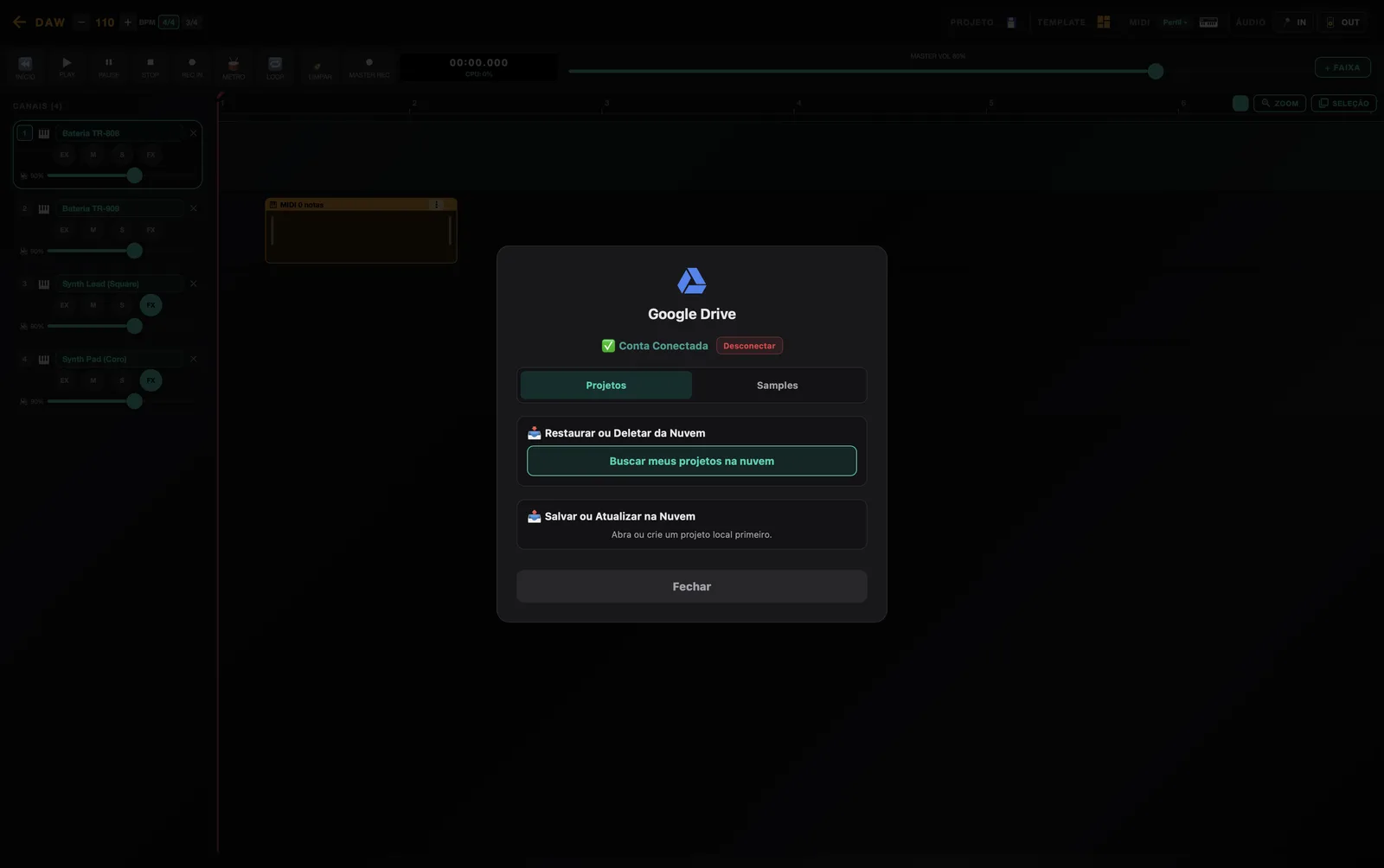
Projects and samples in your own Google Drive; your effects and MIDI profiles sync automatically (PRO)
Works offline: all processing happens on your device
USB audio interfaces and MIDI controllers over cable or Bluetooth, mapped in Studio I/O
43virtual instruments: pianos, guitars, basses, drums and synths
18effect pedals and 120 ready-made presets to play live
6,843drum loops to build your groove, from samba to metal
2.9 mslatency measured on iPhone*
* On entry-level Android phones, latency is around 40 ms. It only matters if you record or play a real instrument; when you're writing on the pads or in the DAW, you won't notice it.
At the bar, at church, in your bedroom or on stage
From bedroom to stage, your studio comes along.
Built for people who make music, from the first chord to the stage
Gigging musician
Your tone, without hauling a pedalboard
At a bar gig, at church or at band practice: plug your instrument into your phone, pick a preset and play.
First-time songwriter
Hear your idea come together
No theory or complicated software required. Live Pads keep everything on the beat while you experiment.
Bedroom producer
A real DAW on Android
Piano roll, mixer and multitrack recording on the phone you already own.
Content creator
Your own music in your videos
Make background music for your Reels, TikToks and YouTube videos in a few minutes. What you create in SAS is yours.
Your video doesn't need stock music. It needs yours.
7-day free trial.Subscribe through your device's app store and use everything. Cancel before day seven and you pay nothing. Official plan prices are listed on the App Store and Google Play.
Frequently asked questions
Is SAS free?
Yes. The free version includes every module, with ads, up to 4 instruments per project and MP3 export (unlocked after a short sponsor video). PRO plans unlock all channels, WAV and MIDI, cloud features, and remove ads. Official prices are listed on the App Store and Google Play.
How does the 7-day free trial work?
You subscribe to a PRO plan through your device's app store and use everything for 7 days. Cancel before day seven and you pay nothing. There's no commitment: you can cancel anytime from the store.
Will it work on my phone?
SAS runs on iPhone and iPad with iOS 16.4 or later and on Android 8.0 or later with a 64-bit processor. On Android, devices that support Pro Audio perform best. Latency is low, but it varies from device to device.
How do I plug my guitar into my phone?
Through your device's audio input or a USB audio interface (on Android, with an OTG cable). Then open the Effects Rack and pick one of the 120 presets or build your own pedalboard from the 18 pedals.
Do I need an internet connection?
No. Everything is processed on your device, so you can play and produce offline. You only need a connection to save and sync projects to your Google Drive on PRO plans.
Is the music I make in SAS mine?
Yes. What you create in the app is yours, with no copyright strings attached, and you can use it in your Reels, TikToks and YouTube videos. If you import third-party samples, their license still applies.
Can I use it on my computer?
Yes. The PRO Studio plan includes SAS Desktop for Windows (via the Microsoft Store) and Mac. Start on your phone and finish on your computer, with the same project.
What languages is the app available in?
Portuguese, English and Spanish. You sign in with your Google or Apple account.