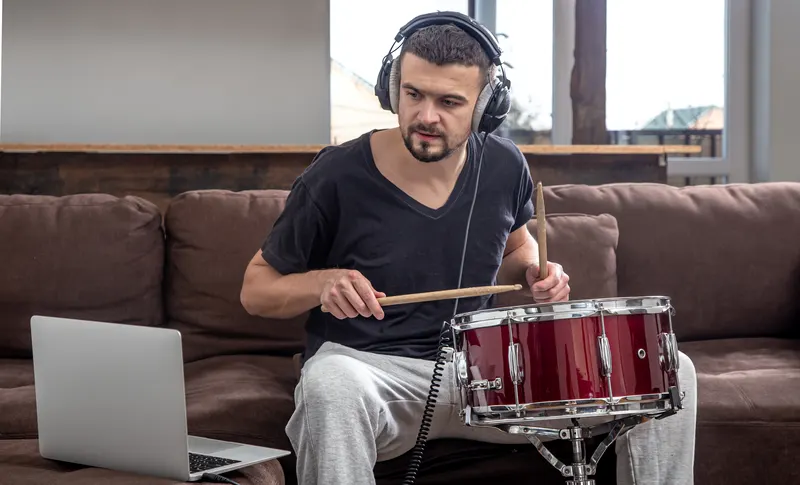
Loops: get past the blank screen
Luis shows how to build instrument loops in SAS so you can start a song without getting stuck on the first idea.
See the moduleEach video introduces one module of the app: what it does, how the screen is laid out and what each area is for. Think of it as your map for day one. The videos are in Portuguese, with the app on screen the whole time.
Watch, pause and play along.
Luis shows how to build instrument loops in SAS so you can start a song without getting stuck on the first idea.
See the moduleHow the Rack is organized, the types of effects and how to build a signal chain for guitar, bass or vocals.
See the moduleThe groovebox, the melodic sequencer and how the pads fit together when you play live.
See the moduleAudio and MIDI tracks, virtual instruments, the mixer and export: the path from idea to finished song.
See the moduleWhere SAS shows your audio interface, inputs and outputs, MIDI mapping and your controller profiles.
See the moduleIn-depth tutorials, tone tips and complete workflows go up on our YouTube channel (in Portuguese). Have a question about the app? Write to suporte@simpleaudiostudio.com.
Download SAS free and get a pedalboard, Live Pads and a DAW on the device you already own.
Free to start. 7-day trial on PRO plans. No commitment.