Windows
Microsoft StoreWindows 10 or later, 64-bit. Signed version, trusted by Windows.
Get it from the Microsoft StoreWith the PRO Studio plan, SAS also runs on Windows and Mac. Same app, same audio engine and same project, synced in the cloud.
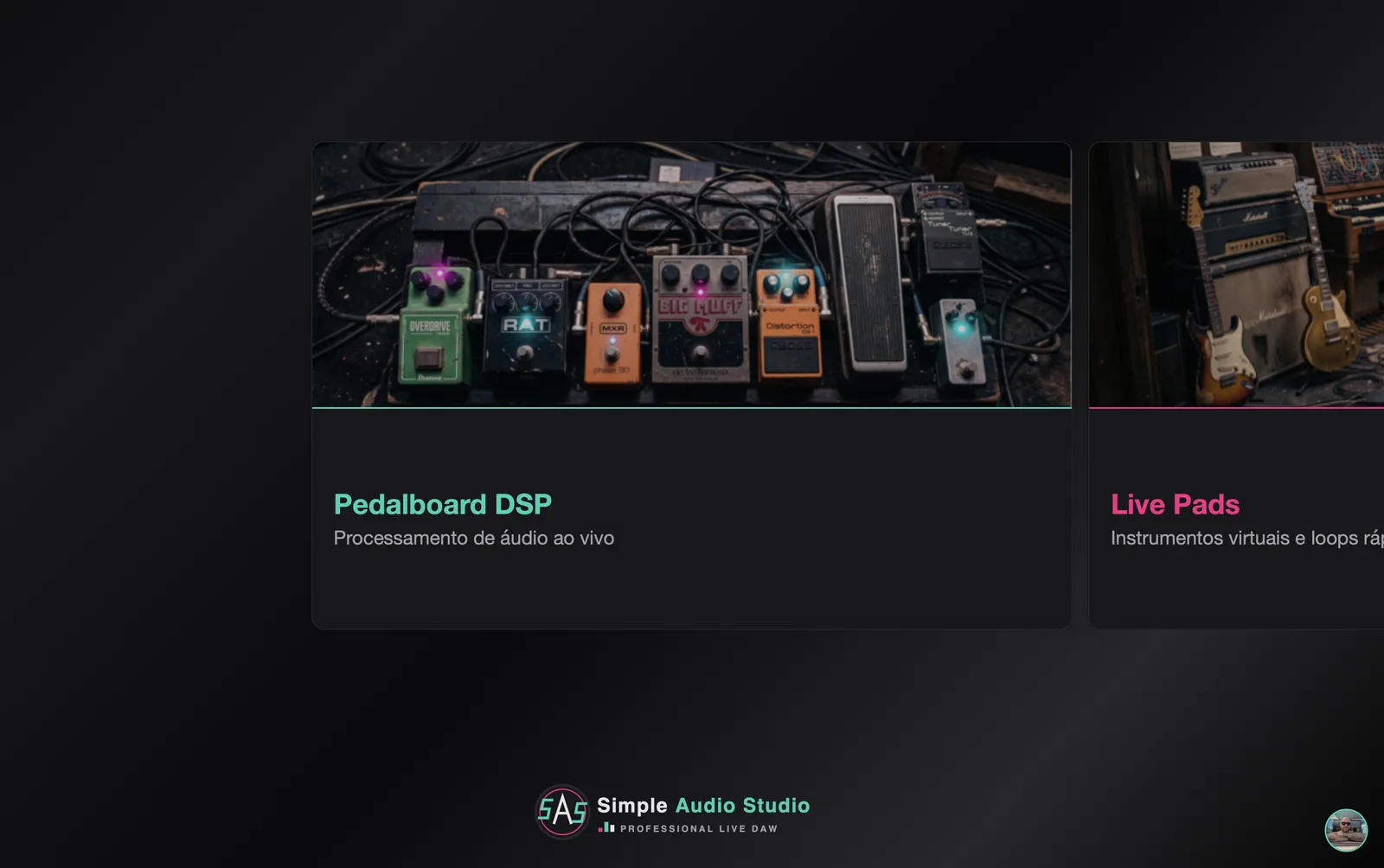
Start on your phone, finish on your computer.
On Windows, through the Microsoft Store; on Mac, with the installer. Then sign in with your PRO Studio account. Your projects show up exactly as you left them on your phone.
Windows 10 or later, 64-bit. Signed version, trusted by Windows.
Get it from the Microsoft StoremacOS 11 (Big Sur) or later
Download for macOSOn Windows, always install from the Microsoft Store: it's the version signed with a trusted certificate. Installers downloaded elsewhere may be blocked by Windows. Signing in to SAS Desktop requires an active PRO Studio subscription, purchased on the App Store or Google Play.
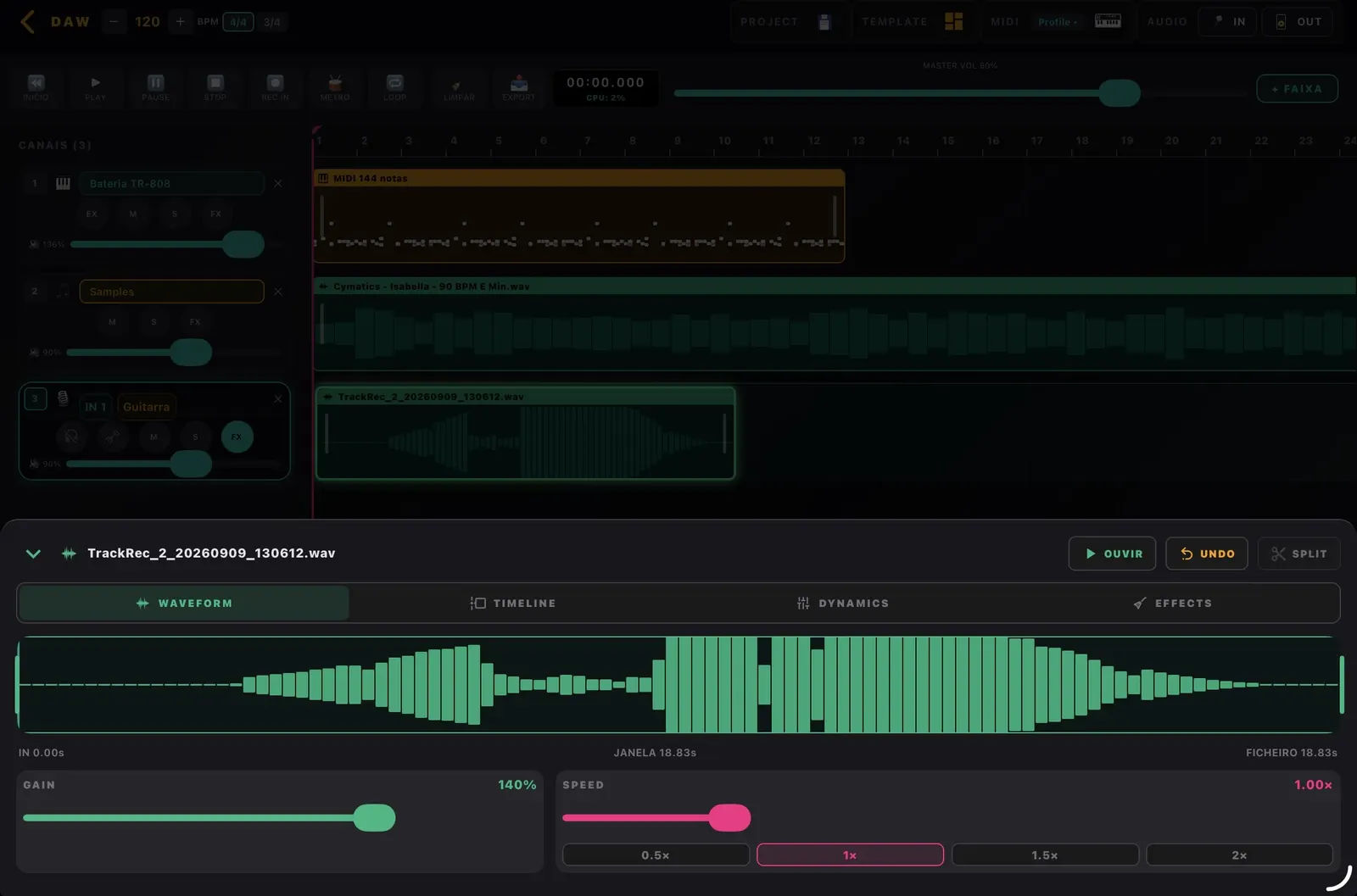
Edit in the piano roll with a mouse, cut audio at maximum zoom and use keyboard shortcuts. An arrangement that felt cramped on your phone gets room to breathe, and it's still the same project when you go back to your tablet.
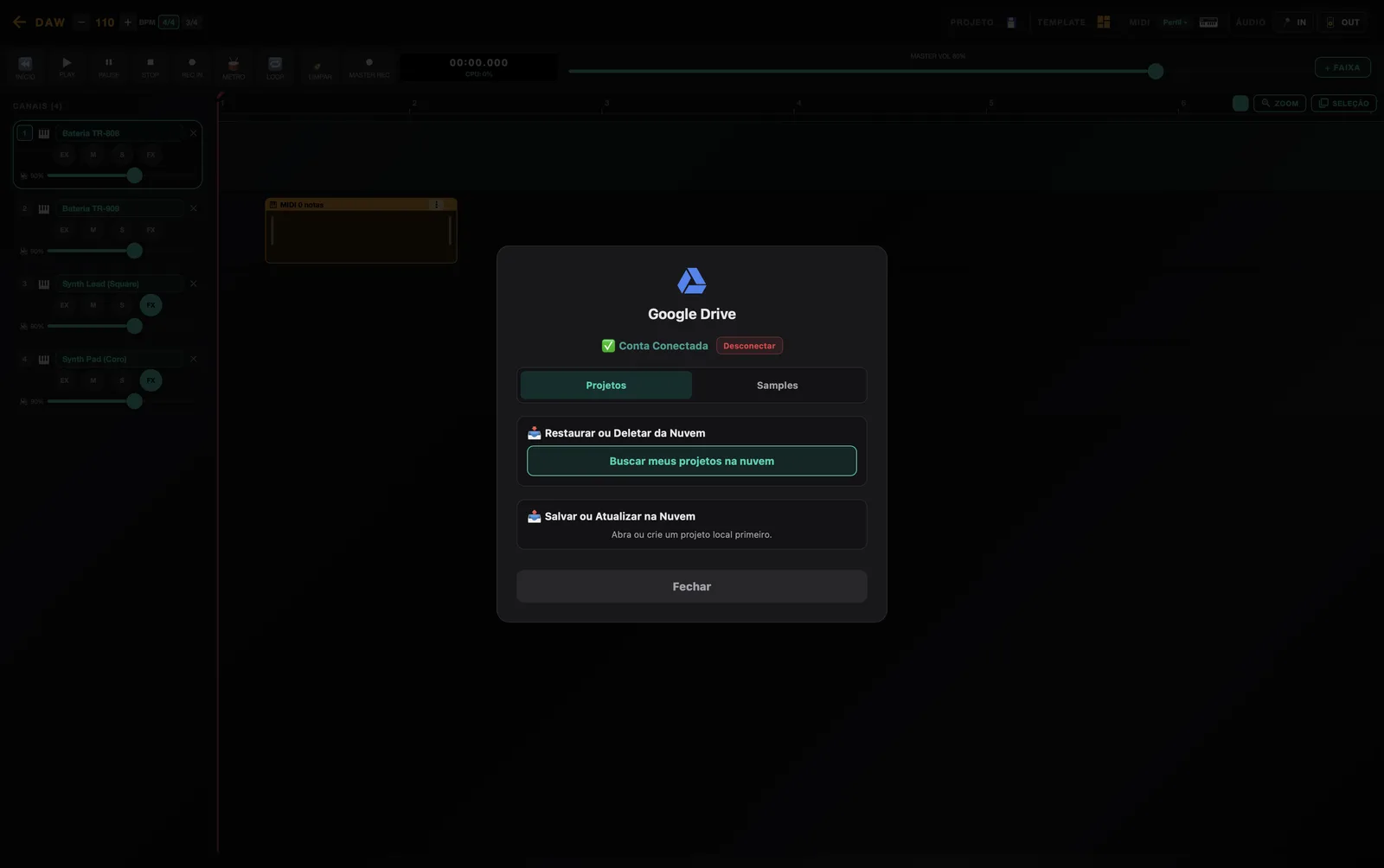
Mixer settings, MIDI tracks, edits and audio files upload to your Google Drive with one tap. Sign in to SAS Desktop and pick up where you left off.
No. It's part of the PRO Studio plan, purchased on the App Store or Google Play. One subscription unlocks your phone, tablet and computer.
Windows 10 or later (64-bit) and macOS 11 (Big Sur) or later, on Apple Silicon or Intel Macs.
Because only the Microsoft Store version is signed with a trusted certificate. An installer downloaded straight from the web may be blocked or trigger Windows warnings.
Download SAS free and get a pedalboard, Live Pads and a DAW on the device you already own.
Free to start. 7-day trial on PRO plans. No commitment.